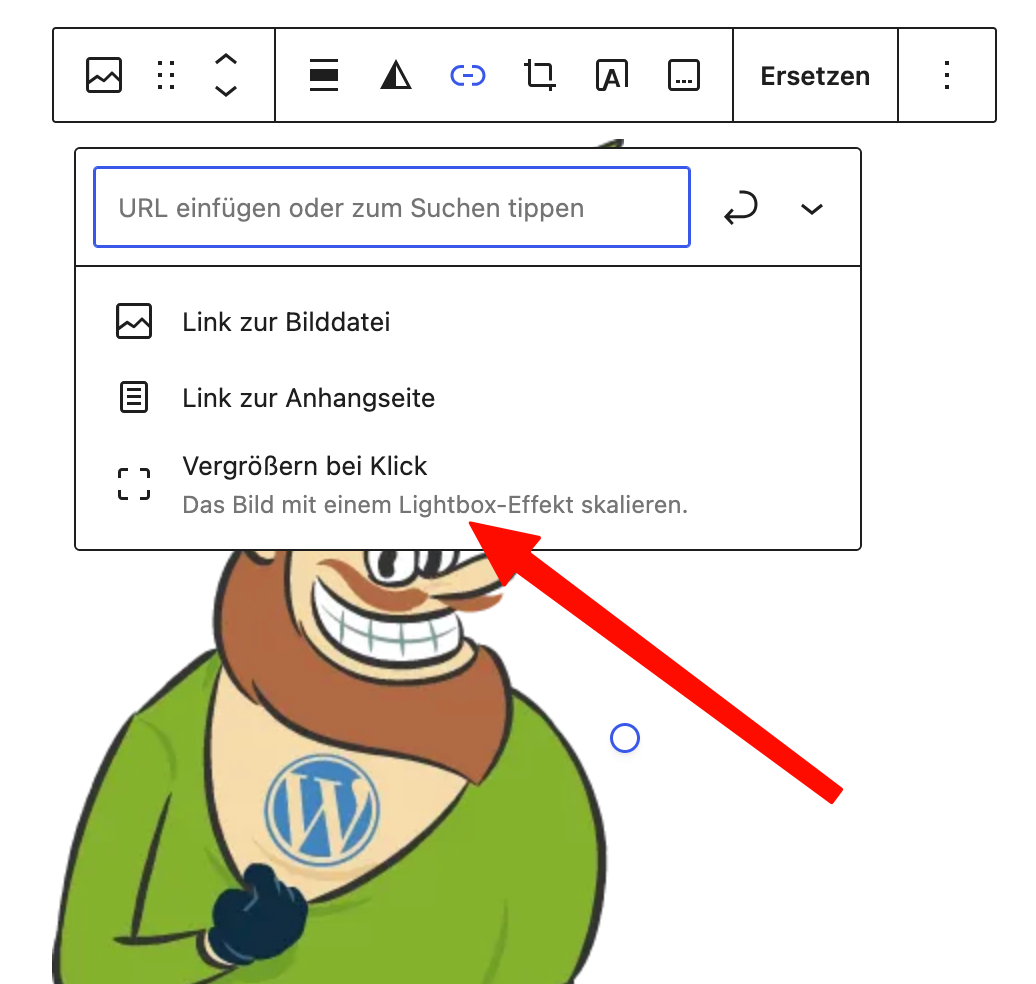
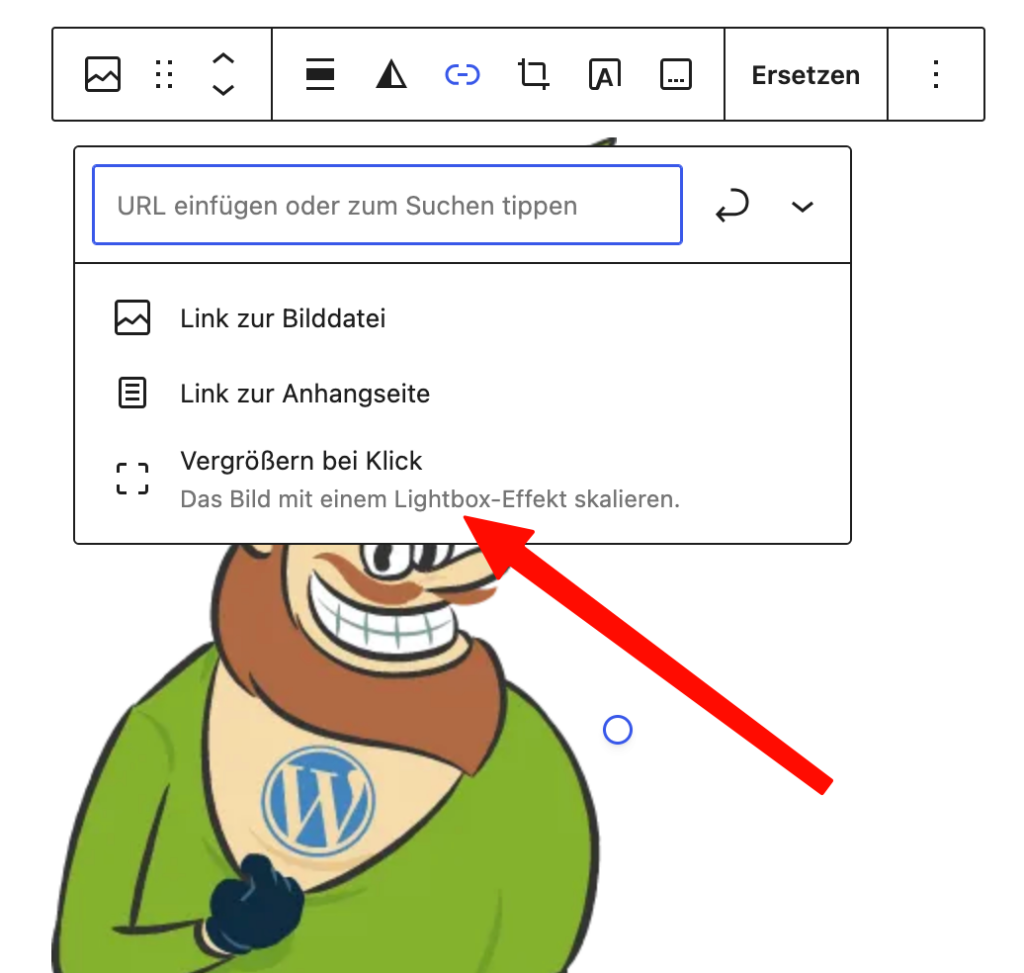
Are you working with Gutenberg blocks, have you added a lightbox to an image or gallery block, and now it's not working on the front end? The magnifying glass icon appears, but clicking it doesn't bring up the enlarged view?
Problem
This may be because you need to check the order in which scripts are loaded in your theme. In our case, the problem with a client's website was the way the Photoswipe script was loaded.
The custom JavaScript was inserted into the page too early. As a result, Firefox ignored the WordPress address list. Without that list, the gallery lightbox could no longer find its components.
Workaround
After setting the priority to 30 (Low), the lightbox worked in the WordPress front end:
add_action('wp_footer', 'YOUR-SCRIPT-HANDLE', 30);
An even better solution starting with WordPress 6.5
Starting with WordPress 6.5, scripts can also be managed through WordPress's built-in administration interface. So instead of outputting your own module manually, register it using the Scripts Module API. See also